
Phishing emails are getting scarily good. Gone are the days of obvious typos and sketchy Nigerian prince stories. Today’s phishing attacks are polished, urgent, and designed to trick even tech-savvy users.
If you use email (so… everyone), this guide will help you spot phishing emails before they cause damage — with realistic examples and practical tips you can use immediately.
What Is a Phishing Email?
A phishing email is a fraudulent message designed to trick you into:
- Clicking a malicious link
- Downloading an infected attachment
- Sharing sensitive information (passwords, credit card numbers, login details)
The goal is simple: get access to your data or your money.
Common Red Flags to Watch For
1. A Sense of Urgency or Threat
Phishing emails often pressure you to act now before something bad happens.
Example:
“Your account will be suspended in 24 hours unless you verify your details.”
Why this works: panic shuts down critical thinking.
Tip: Legitimate companies rarely threaten immediate action via email.
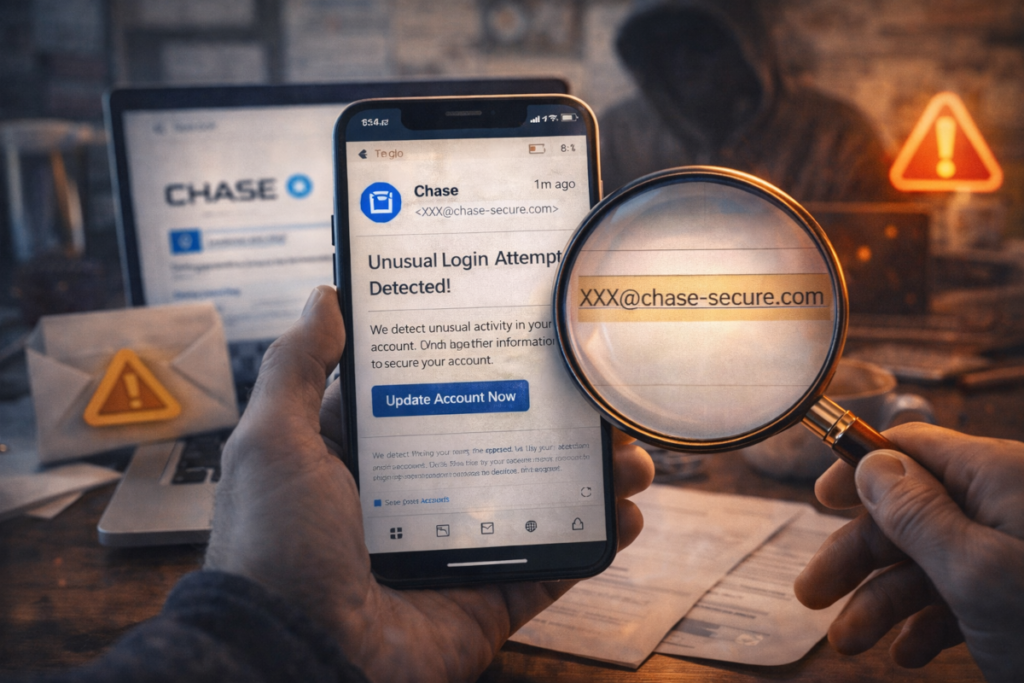
2. Suspicious Sender Address
The display name might look legit — the email address often isn’t.
Looks real:
PayPal Support <support@paypal.com>
Actually sent from:
support@paypaI-secure.co
(Notice the capital “I” instead of an “l” )
Tip: Always check the full sender address, not just the name.
3. Generic Greetings
Phishing emails usually don’t know your name.
Red flag greetings:
- “Dear Customer”
- “Hello User”
- “Dear Account Holder”
Legit emails usually say:
“Hi Sarah,” or “Hello John,”
4. Links That Don’t Go Where They Claim
The text may say one thing, the link does another.
Example:
Click here to log in: www.microsoft.com
But hovering over it shows:
http://micros0ft-login.verify-info.ru
Tip: Hover over links (don’t click!) to preview the real destination.
5. Unexpected Attachments
Especially dangerous if you weren’t expecting anything.
Common bait:
- “Invoice.pdf”
- “Payment_Receipt.zip”
- “Scanned_Document.html”
Opening these can install malware instantly.
Rule of thumb: If you didn’t expect it, don’t open it.
Real-World Phishing Examples
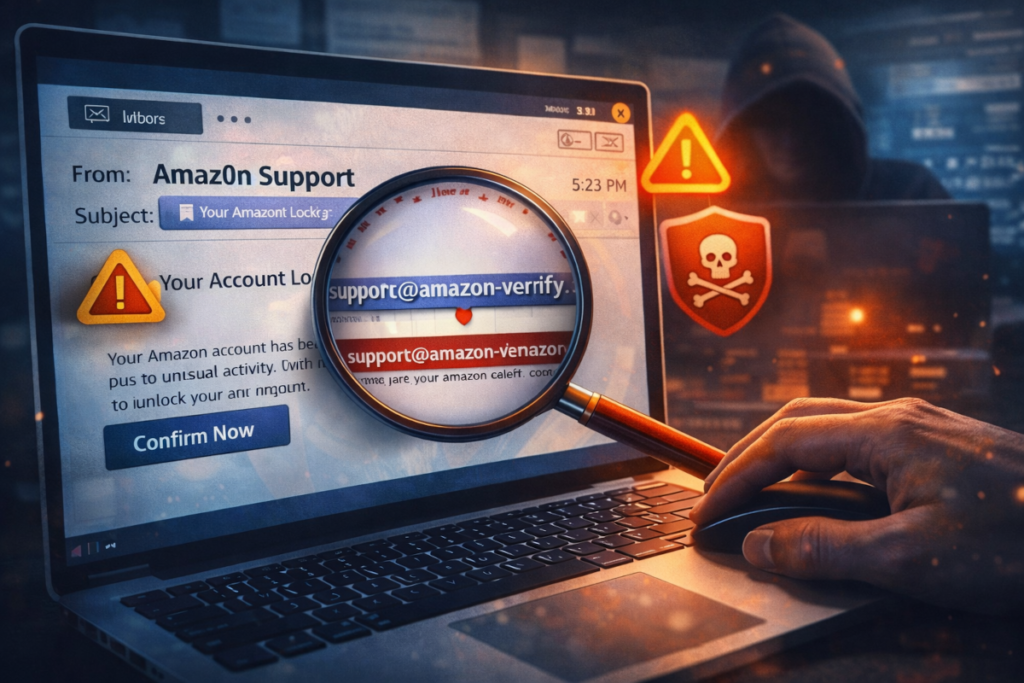
Example 1: Fake Password Reset
“We noticed suspicious activity on your account. Reset your password immediately to secure your access.”
Includes:
- Official-looking logo
- A convincing login page
- A link that steals your credentials
Once entered, attackers can access your real account within minutes.
Example 2: CEO or Manager Impersonation
Common in businesses.
“Hi, I’m in a meeting and need you to urgently buy gift cards. Send the codes ASAP.”
These emails often:
- Use real names
- Come from look-alike domains
- Rely on authority + urgency
Always verify unusual requests by phone or in person.
Example 3: Delivery or Invoice Scams
“Your package could not be delivered. Confirm delivery details here.”
Even if you are expecting a package — attackers know this.
Tip: Go directly to the company’s official website instead of clicking email links.
What To Do If You Receive a Phishing Email
- Don’t click links
- Don’t download attachments
- Don’t reply
- Mark it as spam or phishing
- Delete it
If you already clicked something — disconnect from the internet and get help immediately.
Final Thoughts
Phishing emails succeed by exploiting trust rather than technical weaknesses. Staying alert, slowing down, and knowing what to look for can prevent serious problems and financial loss.
If you are unsure about an email, or if you need help securing your website, email, or systems, feel free to contact me using the form below. I am happy to help with website support, email security, and general IT assistance before small issues turn into big problems.