
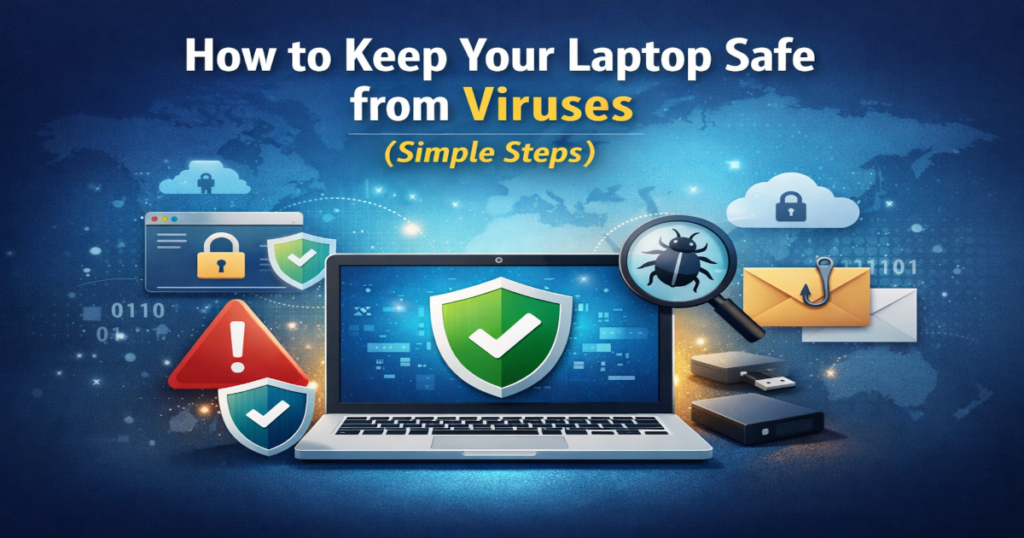
Follow these simple and effective steps to improve your laptop security and stay protected online.
Keeping your laptop safe from viruses and malware is essential in today’s digital world. Computer viruses can slow down your system, damage files, steal personal data, and even give hackers access to your information. The good news is that protecting your laptop from viruses doesn’t require advanced technical knowledge.
1. Install Reliable Antivirus Software
Using trusted antivirus software is the most important step to protect your laptop from viruses and malware. Antivirus programs scan your system, block threats, and remove harmful files.
Best practices:
- Choose a well-known and trusted antivirus program
- Enable real-time protection
- Keep virus definitions updated automatically
Free antivirus software can be effective for basic protection, while paid versions offer advanced security features.
2. Keep Your Operating System and Software Updated
Outdated operating systems and software are common targets for cyberattacks. Updates fix security vulnerabilities that hackers and viruses exploit.
What you should do:
- Turn on automatic system updates
- Regularly update browsers and installed programs
- Restart your laptop when updates are completed
Keeping software up to date significantly reduces the risk of infection.
3. Avoid Suspicious Links and Emails
Phishing emails and fake websites are major sources of computer viruses and malware.
Stay safe online by:
- Not clicking on unknown or suspicious links
- Ignoring emails asking for personal or financial information
- Avoiding pop-ups that claim your laptop is infected
If an offer looks too good to be true, it probably is.
4. Download Software Only from Trusted Sources
Downloading software from unofficial or pirated websites often installs malware without your knowledge.
Safe download tips:
- Use official websites or trusted app stores
- Read reviews before installing new programs
- Avoid cracked or pirated software
Always double-check before installing anything on your laptop.
5. Enable Your Firewall
A firewall helps block unauthorized access to your laptop and protects your network from threats.
Good to know:
Most operating systems include a built-in firewall—make sure it’s enabled in your security settings.
6. Scan USB Drives and External Devices
Viruses can spread through infected USB drives and external hard disks.
Before using them:
- Scan devices with antivirus software
- Avoid using unknown or public USB drives
This step is especially important in offices, schools, and public places.
7. Back Up Your Important Data Regularly
Regular backups protect your files in case of virus attacks, malware infections, or system failure.
Recommended backup options:
- Cloud storage services
- External hard drives
Having backups ensures you never lose important documents or personal files.
Final Thoughts
Protecting your laptop from viruses and malware is easier than most people think. By installing antivirus software, keeping your system updated, and practicing safe browsing habits, you can greatly reduce security risks and keep your laptop running smoothly.
If you need help with virus or malware removal, use the contact form to get in touch and discuss your problem. Early action can prevent serious damage and data loss.